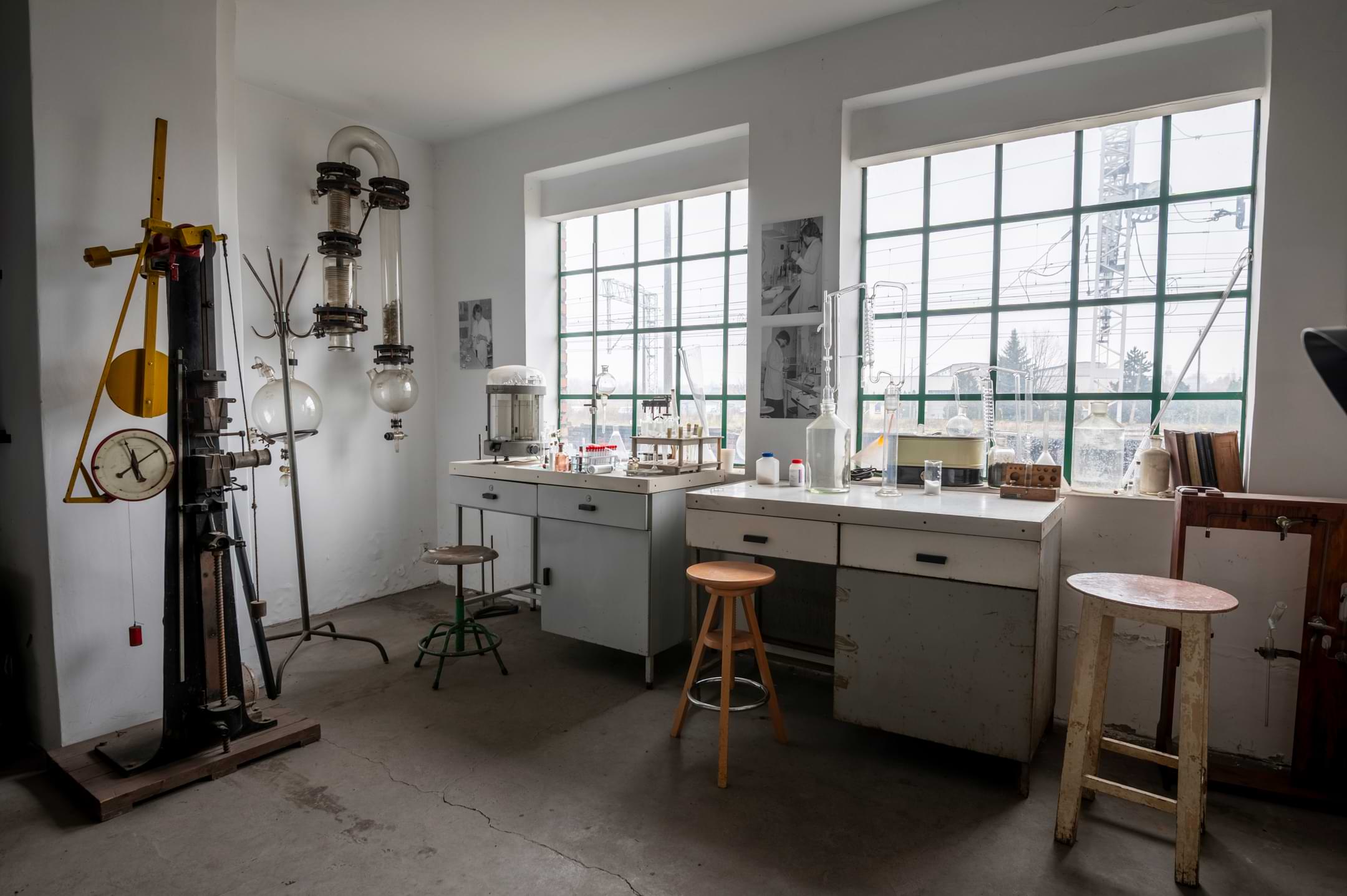
Shadows of Presence – Memory of Time (multi-target)
Jak oglądać? Instrukcja AR:
Do zobaczenia warstwy AR potrzebujesz tylko smartfonu lub tabletu z aparatem i dostępem do internetu. Nie instalujesz żadnej aplikacji — wszystko działa w przeglądarce (WebAR)
- Ustaw smartfon/tablet w poziomie, odczytaj/zeskanuj poniższy kod QR i otwórz w przeglądarce stronę https z AR (najlepiej działa z nowym Chrome lub Safari).
- Trzymając smartfon/tablet poziomo wyraź zgodę na użycie kamery; po chwili kamera zacznie skanować obraz.
- Przewiń stronę do odpowiedniej fotografii, najedź na nią skanerem kamery i trzymaj stabilnie do kilku sekund; po chwili wczyta się warstwa AR przypisana do tej fotografii; możesz „poruszać się” i oglądać ją pod różnymi kątami.
Jeśli nie widzisz obrazu z kamery, albo nie pojawił się obraz AR: odśwież stronę i sprawdź, czy dostęp do aparatu jest włączony w ustawieniach przeglądarki/telefonu. Zamknij zakładkę z wcześniej wczytaną stroną.
Po odczytaniu jednego kodu QR projekt rozpoznaje wiele fotografii (multi-target). Aby zobaczyć kolejną pracę skieruj kamerę na następną fotografię i chwilę przytrzymaj kadr.
How to watch? AR Instructions:
To view the AR layer, all you need is a smartphone or tablet with a camera and internet access. No app required—everything works in a browser (WebAR).
- Hold your smartphone/tablet horizontally, read/scan the QR code below and open in a browser the https page with AR (works best with the new Chrome or Safari)Holding your smartphone/tablet horizontally, consent to use the camera; after a moment, the camera will begin scanning the image.
- Scroll to the appropriate photo, hover over it with the camera scanner, and hold steady for a few seconds. After a moment, the AR layer assigned to that photo will load; you can „move” and view it from different angles.
If you don’t see the camera image, or the AR image doesn’t appear, refresh the page and check if camera access is enabled in your browser/phone settings. Close the tab with the previously loaded page.
After reading one QR code the project recognizes multiple photos (multi-target). To view the next work, point the camera at the next photo and hold the image for a moment.
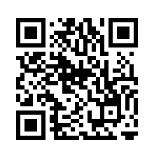 QR AR
QR AR